
AI video tools are fast, impressive, and increasingly hard to ignore. But for marketing managers, brand teams, and internal comms professionals who need content that actually lands, the question is not whether to use AI. It is knowing where AI video generation tools actually help, where they fall short, and how to get the best of both worlds.
The promise and the AI slop
The past 18 months have seen a surge in AI video tools that can generate footage from a text prompt, animate a script with a synthetic presenter, or turn a PowerPoint deck into a polished e-learning module. Tools like Runway Gen-4, HeyGen, Sora, Synthesia, and InVideo have moved from novelty to genuine production aids.
For volume social content, quick internal updates, or early-stage concept visuals, these tools are genuinely useful. They reduce turnaround time, cut costs on straightforward outputs, and free up your team to focus on strategy rather than assembly.
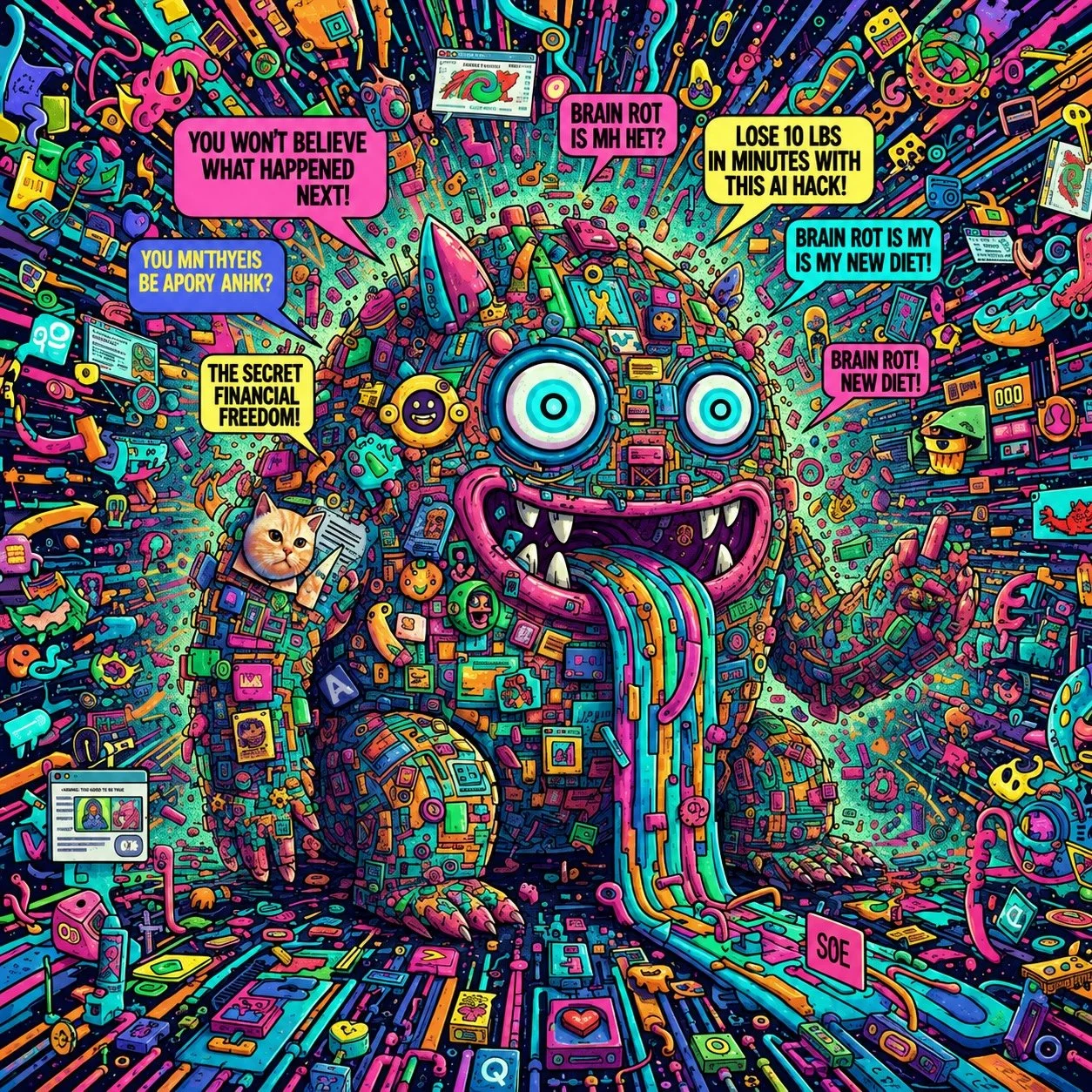
But if you have ever watched an AI-generated video and felt something slightly off about it, you are not alone. That uncanny quality, whether it is a presenter who blinks a little too slowly, motion graphics that feel generic, or pacing that never quite breathes, is the gap between automated output and crafted communication.
And it’s a turn-off for some people.
Where AI tools genuinely add value
Used in the right context, AI video tools can make a real difference to output volume and speed. Here is where they shine:
Social media and volume content
Short-form content for LinkedIn, Instagram, or internal channels is a strong use case. Tools like InVideo and Runway let you generate multiple cuts quickly, test different formats, and iterate without burning through budget on a production house.
Presenter-led explainer videos
Platforms like Synthesia and HeyGen use synthetic avatars to deliver scripted content on camera. For internal comms, compliance training, or HR onboarding where you need consistent, repeatable delivery, these can work well. You get a professional-looking result without booking a studio or a spokesperson.
Rough cuts and concept visuals
AI tools are excellent for generating rough concept videos that help stakeholders visualise a direction before committing to full production. Faster sign-off, fewer revision cycles.
Transcript-based editing
AI-assisted editing tools can cut a long-form interview or webinar down to its highlights in minutes by analysing the transcript. For internal comms teams managing regular video output, this is a genuine time-saver.
Where AI still struggles
It is worth being clear-eyed about the limitations of AI video tool, especially if your video needs to do serious work for your brand.
Brand consistency. AI tools are trained on general visual styles. Getting them to accurately reflect a specific brand identity, with the right colour palette, tone of motion, typography, and creative voice, requires significant prompt engineering and often multiple rounds of editing.
Emotional nuance. Marketing videos that shift behaviour or build genuine connection depend on storytelling craft, pacing, music choice, and editorial instinct. These are skills that AI approximates but does not replicate.
Multi-scene narrative. Tools like Sora produce stunning individual shots but struggle with coherent character or environment consistency across a sequence. A 90-second brand film with a narrative arc is still beyond most AI tools without significant human help.
Regulated or sensitive content. For pharmaceutical, financial services, or safeguarding-related communications, the risk of AI-generated content containing subtle inaccuracies is real. These outputs need careful human review at every stage.
The smarter approach: AI-enabled, human-crafted
The most effective marketing and internal comms teams are not choosing between AI and human production. They are integrating AI tools into workflows that still have experienced humans shaping the creative output.
This means using AI to handle the time-heavy, repetitive parts of production: transcription, rough cuts, resizing for different platforms, subtitle generation, and first-pass motion graphic assembly. It means reserving human craft for the things that genuinely matter: narrative structure, brand alignment, motion design quality, and the editorial decisions that make a video feel right.
At Sliced Bread Lite, this is exactly how we work. Our AI-enabled production workflows mean we can turn around video edits within 24 hours and motion graphics within 48 hours. But every output is shaped by editors and motion designers with over 20 years of animation experience. You get the speed of AI with the quality assurance of a human who cares about your brand.
Questions to ask before choosing a tool
If you are evaluating AI video tools for your team, here are the questions worth asking:
Is this content volume work or hero content? AI tools work well for the former. The latter usually needs more.
Does output need to reflect a specific brand identity precisely? If so, factor in the time and skill required to get there.
Who will review and quality-check the output? AI tools reduce production time, but they do not remove the need for editorial judgement.
What is the content's purpose? Internal updates and training content tolerate AI-generated styles more easily than external campaign content.
What is your actual turnaround requirement? If you need something polished in 24 hours, a fixed-price professional service may actually be faster and more reliable than learning a new tool.
Need video content delivered fast, without the guesswork?
Sliced Bread Lite delivers 24 hour turnaround video editing, motion graphics, and e-learning modules at fixed prices with rapid turnaround. No lengthy briefing processes. No unpredictable costs. Just great-looking content, done quickly.
Get in touch at enquiries@slicedbreadlite.com or visit slicedbreadlite.com to see what we can do for your team.
Content & Video Production | May 2026 | 5 min read
